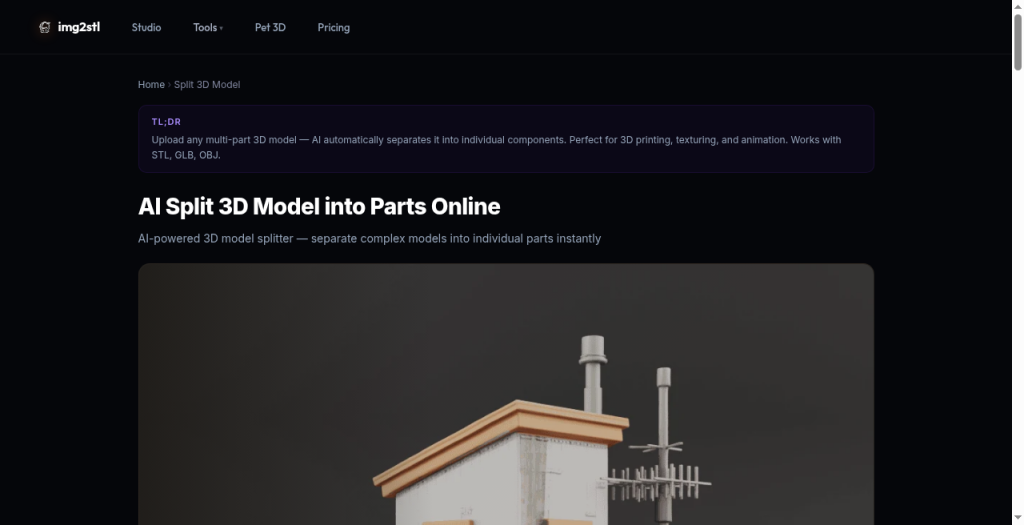
Img2STL 3D Model Splitter
Browser-based AI tool that separates multi-part 3D models into individual components for printing, texturing, or animation.
Are you the maker? Claim this listing to keep info, pricing and screenshots current. Verified via your tool's domain email.
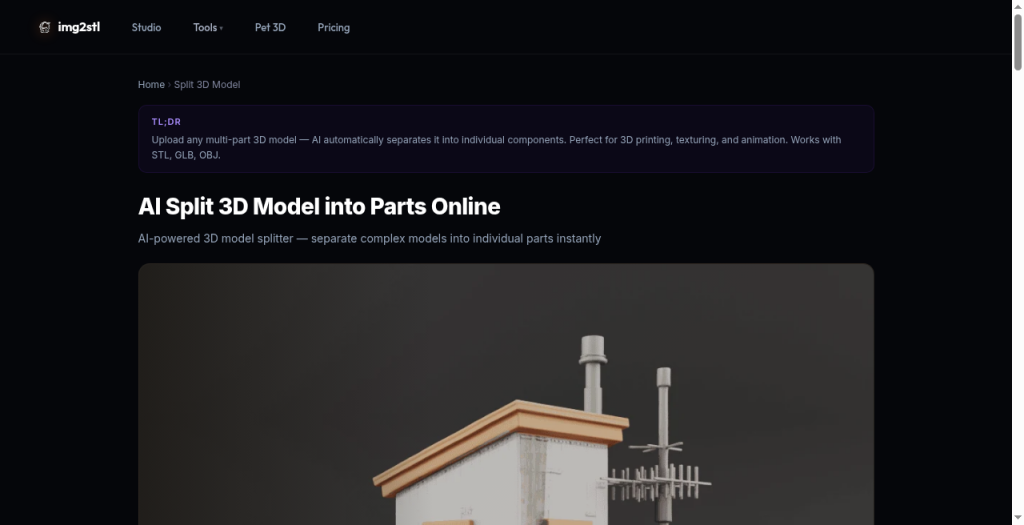
Best for makers who need a fast, no-install way to isolate loose-part assemblies before sending files to a slicer. It handles the easy case well, but it cannot cut through solid geometry, which means anyone with a fused single-island mesh still has to open Blender or a CAD tool first. If you need plane-cut splitting with connector pegs and printer-bed presets, Meshy's Auto Split or a dedicated free tool will serve you better.
What is Img2STL 3D Model Splitter?
Img2STL 3D Model Splitter is a browser-based module within the img2stl.art Studio platform. It uses AI-assisted geometry detection to identify disconnected components inside a single uploaded file and exports each shell as a separate model, supporting STL, GLB, OBJ, PLY, and 3MF as inputs.
The tool is aimed at 3D printing hobbyists, game asset artists, and animators who need to isolate parts of a multi-body assembly without installing desktop software. It sits alongside other Studio tools including UV unwrapping, AI texturing, and auto-rigging, making it part of a broader 3D preparation workflow rather than a standalone utility.
How we scored Img2STL 3D Model Splitter
Capability lands at 14 because the tool handles only one narrow case (pre-disconnected loose parts) and explicitly cannot perform plane cuts, build-volume splitting, or connector-peg generation, features that free competing tools provide. Ease of use scores 17 because the four-step browser workflow is genuinely short and requires no 3D modeling knowledge, though the lack of any documentation on credit consumption creates friction at the point of actual use. Value scores 11 because the credit pricing is entirely opaque: the split page lists no tier names, no per-operation cost, and no paid plan details, making it impossible for a buyer to assess what they will spend. Delivery scores 12 because no user reviews or third-party validation were found, the tool's own page acknowledges a hard architectural limit that many buyers will hit immediately, and the credit system's hidden costs are a trust concern.
Pros and cons
What we liked
- Handles the loose-parts separation case with no desktop install and a four-step workflow that requires no 3D modeling knowledge.
- Supports five input formats (STL, GLB, OBJ, PLY, 3MF), covering both print-prep and game-asset pipelines in one upload.
- Honest documentation explicitly warns that solid single-island meshes need a CAD cut first, avoiding the 'magic cut' oversell common in competing tools.
Where it falls short
- Cannot cut through solid geometry at all: if your model is one watertight island, the splitter produces nothing useful and you must pre-process in Blender or a CAD tool before returning. This is a hard architectural limit, not a missing premium feature.
- Pricing is opaque: the Studio runs on a credit system, but the Split module's pricing page lists no named tiers, no per-credit cost, and no indication of how many credits a split operation consumes.
- The tool has no plane-cut, connector-peg, or build-volume-aware splitting, features that free competitors offer. Users who need to break a large solid model into printer-sized chunks with interlocking joints cannot do that here at any price.
Key features
Who should use Img2STL 3D Model Splitter?
The clearest fit is a maker or hobbyist who downloaded a multi-part figure or assembly from a model marketplace, found that the parts are fused into one file, and wants to separate them quickly before slicing. No Blender knowledge required, no install, and the four-step workflow is genuinely short. Game artists who export a character as a single GLB and need to isolate the helmet, weapon, or clothing layer before a texturing pass will also find it useful, especially if they plan to continue in the img2stl Studio for UV work or AI texturing afterward.
Anyone who needs to cut a solid, single-island model into pieces that fit a specific printer build volume should look elsewhere. Meshy's Auto Split handles that case directly in the browser, caps surfaces watertight automatically, and arranges parts on the build plate, all in roughly 40 seconds per the tool's own documentation. If you want manual plane-cut control with connector peg options and 60-plus printer presets, a dedicated free tool like the one at stl-splitter.com will give you more precision than AI component detection can.
Skip it if: Solid single-island meshes that need actual plane cuts through geometry
Img2STL 3D Model Splitter alternatives
Frequently asked questions
Does the splitter work on any 3D model, or only models with pre-separated parts?+
Only models where the components are already geometrically disconnected. The tool detects existing loose shells and exports them separately. It cannot cut through a solid, single-island mesh. For that you need a plane cut in Blender or a CAD tool first.
Is there a free tier, and how many credits does a split operation cost?+
The img2stl.art platform gives 60 credits on sign-up and allows a no-account trial. However, the Split module's pricing page does not list how many credits a split consumes or what paid top-up options cost. Verify current credit costs directly in the Studio before committing.
What file formats can I upload and export?+
Supported inputs are STL, GLB, OBJ, PLY, and 3MF. Each detected component is exported as a separate file. The page does not specify which export formats are available per part.
Can I use this to split a large model so each piece fits my printer's build plate?+
No. The tool separates pre-existing disconnected components; it does not calculate build-volume-aware cuts or add connector pegs. For build-plate-aware splitting, tools like Meshy's Auto Split are designed for that specific workflow.
Do I need to create an account to try the splitter?+
The img2stl.art homepage states no sign-up is required to try the Studio. A free account gives 60 credits on registration.
Is the splitting done on my machine or uploaded to a server?+
Processing runs server-side via the img2stl Studio. Your file is uploaded to their servers, unlike some competing tools that process entirely in the local browser without any upload.
More AI Design & Art tools
See all categoriesGet your tool listed on 300+ directories.
One listing here is a strong start. But the founders who get discovered everywhere are listed everywhere. Our sister site, Free AI Directories, submits your tool to 300+ AI directories for you, every single one by hand, by a real person.
It is a one-time payment of $49, no subscription, and you can follow along as the submissions land. Prefer the slow route? The same site keeps a free list of 450+ directories you can work through yourself.
Get my tool listed on 300+ directoriesOne-time payment, no subscription · 100% human submissions · Free list of 450+ directories included.