
KitchenDesign.io
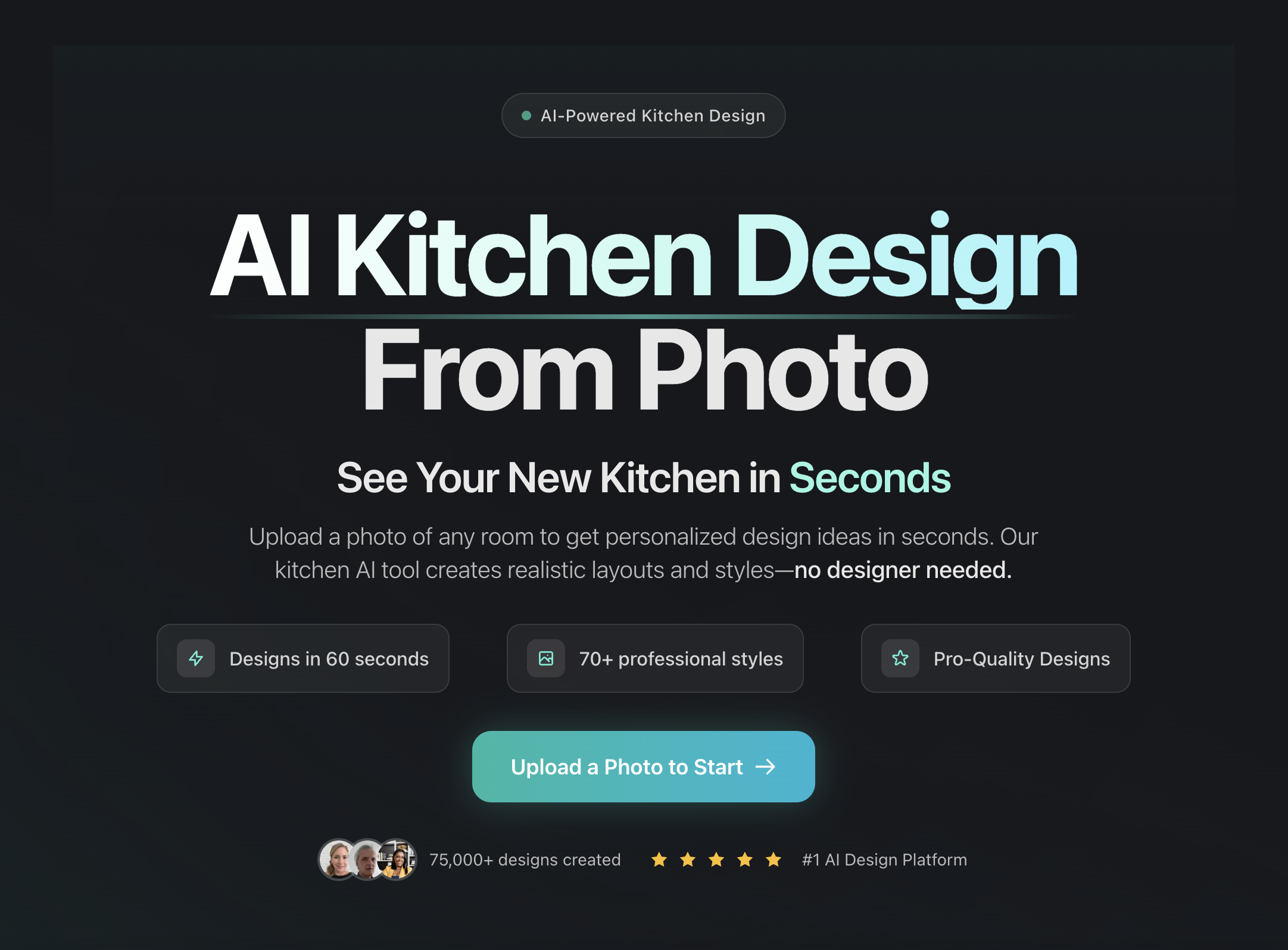
AI kitchen and room redesign from a photo, with 18 preset styles, material visualization, and a free 2D planner bundled in.
Are you the maker? Claim this listing to keep info, pricing and screenshots current. Verified via your tool's domain email.
KitchenDesign.io is the clearest choice for a homeowner who wants to see realistic cabinet, countertop, and material changes before calling a contractor, all from a single phone photo. The credit model is transparent and fairly priced at the entry level, but the Mini plan's 25 monthly credits run out fast if you iterate heavily, and the tool produces design concepts rather than construction-ready plans. Professionals who need precise dimensions, CAD export, or team collaboration should look elsewhere entirely.
What is KitchenDesign.io?
KitchenDesign.io turns a kitchen or room photo into realistic AI-powered redesign concepts for homeowners, remodelers, and interior design professionals. Users can explore 18 preset styles, add custom instructions, and visualize cabinet, color, material, and layout changes before renovating. The site also includes a separate free 2D kitchen planner. AI image generation is credit-based, with paid plans starting at $14 per month and commercial usage rights included.
How we scored KitchenDesign.io
Capability scores 18 because the photo-anchored generation is a genuine differentiator over generic AI image tools, but the output is explicitly concept-only with no dimensions or CAD export, and the 18 preset styles are a narrower palette than some competitors claim. Ease of use scores 20 because the workflow is genuinely simple: upload a photo, pick a style, get an image in roughly 60 seconds, with no complex setup. Value scores 15 because the Mini plan's 25 credits at $14/month translate to roughly 7 kitchen generations before the allowance resets, which is thin for iterative users, and there is no free generation tier to lower the barrier to entry. Delivery scores 13 because no substantial independent user reviews were found to validate output quality claims, the tool's own site acknowledges the images are not construction-accurate, and the possible discrepancy between a 'Business' tier mentioned in FAQ snippets and the three tiers on the live pricing page raises a minor transparency question the human editor should resolve.
Pros and cons
What we liked
- Photo-anchored generation keeps outputs grounded in your actual kitchen layout rather than producing generic renders, which makes the concepts genuinely useful for pre-renovation decision-making.
- All three paid tiers include commercial usage rights, so real estate agents and design professionals can use generated images in client-facing materials without an additional license fee.
- The free 2D kitchen planner is a real, separate tool bundled with the site, giving layout-focused users something useful before they commit to a paid plan.
Where it falls short
- The Mini plan's 25 monthly credits are consumed quickly: each kitchen generation costs 2 credits for up to 2 images, meaning a single iterative session exploring five style directions uses all 10 kitchen credits in one sitting.
- The tool explicitly states that generated images do not provide reliable dimensions or construction plans, which rules it out for any professional deliverable that requires spatial accuracy.
- There is no free generation tier; users must purchase a paid plan before producing a single AI image of their own kitchen, which is a meaningful barrier compared to competitors that offer a trial credit or free renders.
Key features
KitchenDesign.io pricing
Three paid tiers billed monthly: Mini at $14/month (25 credits), Personal at $18/month (75 credits), and Premium at $36/month (200 credits). Yearly billing is available at a discount. No free generation tier; a free 2D kitchen planner is included separately. All paid plans include commercial usage rights.
| Plan | Price | Who it is for |
|---|---|---|
| Mini | $14/month | 25 image credits per month: 10 for AI Interior Design and 15 for AI Kitchen Design or Idea Generator. Includes 18 preset styles, custom instructions, all room types, image downloads, and commercial usage rights. |
| Personal | $18/month | 75 image credits per month: 25 for AI Interior Design and 50 for AI Kitchen Design or Idea Generator. Same feature set as Mini, intended for whole-home design exploration. |
| Premium | $36/month | 200 image credits per month: 50 for AI Interior Design and 150 for AI Kitchen Design or Idea Generator. Same feature set, positioned for enthusiasts and professionals with higher generation volume. Yearly billing available across all tiers at a discount. |
Pricing reflects what we saw at time of review (2026-09). Always confirm current pricing on the tool's own site.
Who should use KitchenDesign.io?
A homeowner who has a renovation in mind but cannot visualize the result will get the most from this tool. Upload a phone photo of your current kitchen, run a few style variations, and you have something concrete to show a contractor or a co-decision-maker. The Personal plan at $18/month gives 75 credits, which is enough for a focused pre-renovation exploration without burning through the allowance in a single session.
Real estate agents and stagers who need quick visual concepts for listings can also use it practically, since every plan includes commercial usage rights. Interior designers doing early-stage client work might find it useful for rapid ideation, but the credit caps and lack of CAD or dimension output mean it cannot replace professional design software for deliverables. If you need precise floor plans, 3D modeling, or team collaboration, Canva's broader design toolkit or a dedicated professional tool will serve you better than KitchenDesign.io's photo-to-concept pipeline.
Skip it if: Professionals needing CAD output, exact dimensions, or team-based workflows
KitchenDesign.io alternatives
Frequently asked questions
Is there a free trial or free AI generation before I pay?+
There is no free AI image generation tier. You can browse the gallery and explore the interface before buying, and the separate 2D kitchen planner is free, but generating AI redesigns of your own photo requires a paid plan starting at $14/month.
How many designs can I generate on the cheapest plan?+
The Mini plan at $14/month includes 25 credits total: 10 for the AI Interior Design tool and 15 for the AI Kitchen Design or Idea Generator. Each kitchen generation costs 2 credits for up to 2 images, so the kitchen allowance covers roughly 7 full generations per month before credits run out.
Can I use the generated images for client work or real estate listings?+
Yes. Every paid plan includes full commercial usage rights, explicitly covering real estate listings, renovation proposals, and client-facing work.
Does the tool produce floor plans or construction-ready drawings?+
No. The site states clearly that AI images are design concepts and do not provide reliable dimensions or construction plans. The free 2D kitchen planner handles basic layout sketching, but neither tool produces CAD-grade output.
What photo formats does the tool accept?+
The AI kitchen generator accepts JPG, PNG, WEBP, and AVIF files, so standard smartphone photos work without conversion.
Can I cancel my subscription at any time?+
Yes. Cancellation is handled from the dashboard and takes effect at the end of the current billing period. Checkout and payment processing is handled by Paddle.
More AI Design & Art tools
See all categoriesGet your tool listed on 300+ directories.
One listing here is a strong start. But the founders who get discovered everywhere are listed everywhere. Our sister site, Free AI Directories, submits your tool to 300+ AI directories for you, every single one by hand, by a real person.
It is a one-time payment of $49, no subscription, and you can follow along as the submissions land. Prefer the slow route? The same site keeps a free list of 450+ directories you can work through yourself.
Get my tool listed on 300+ directoriesOne-time payment, no subscription · 100% human submissions · Free list of 450+ directories included.