
TalkPix
A pay-as-you-go browser tool that animates photos into lip-synced videos and generates product ads, images, and custom songs.
Are you the maker? Claim this listing to keep info, pricing and screenshots current. Verified via your tool's domain email.
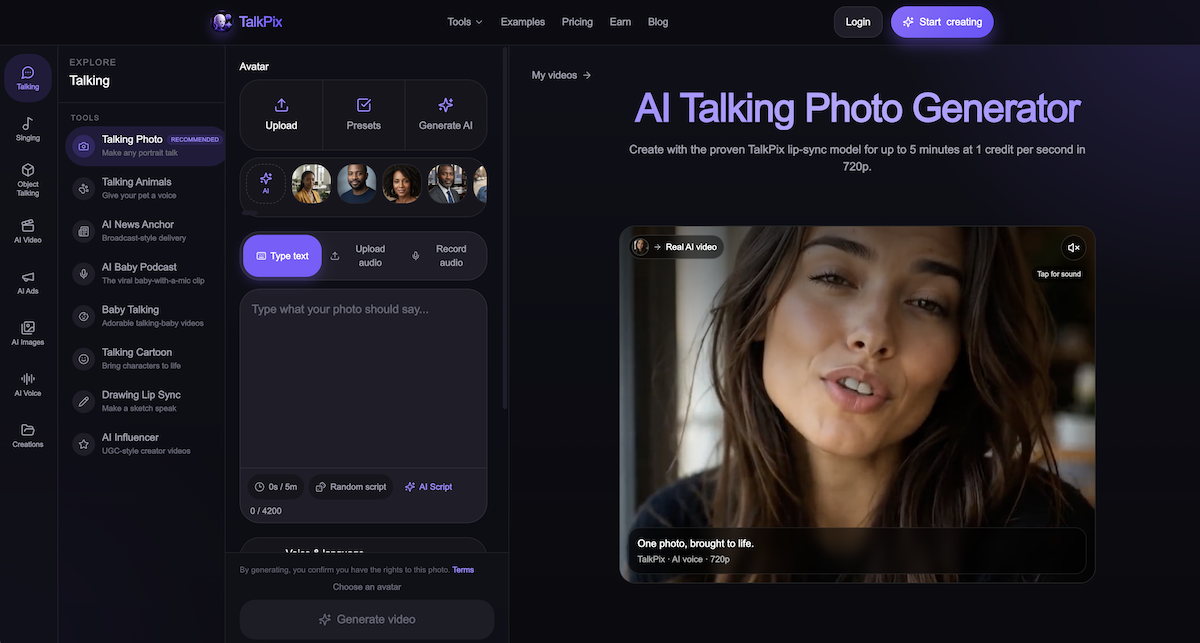
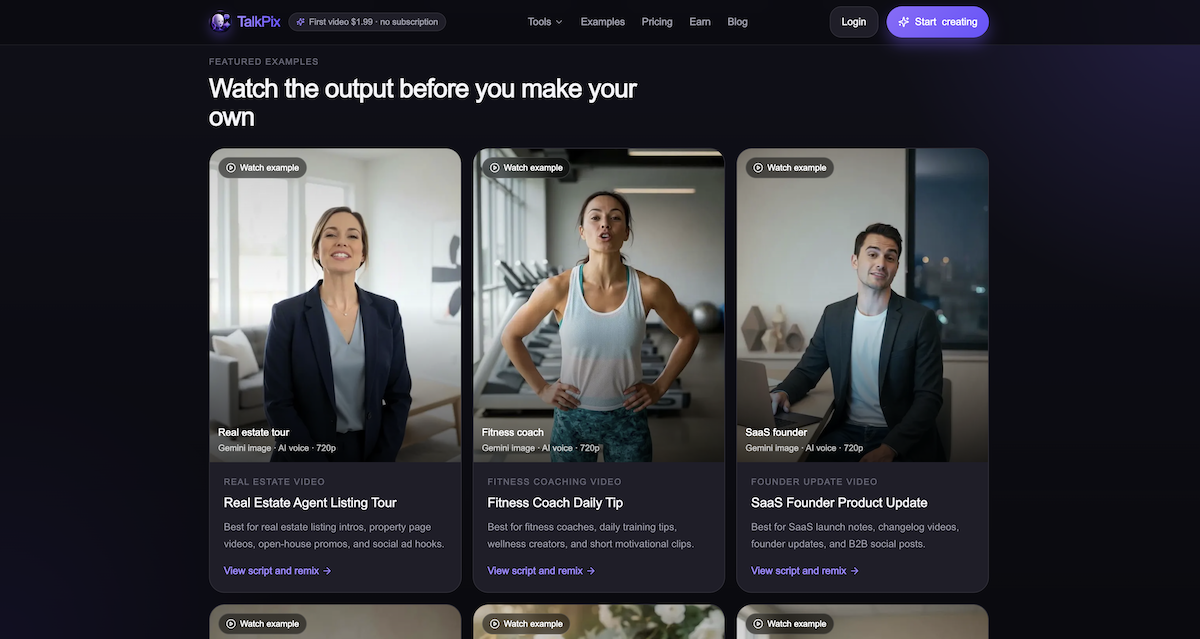
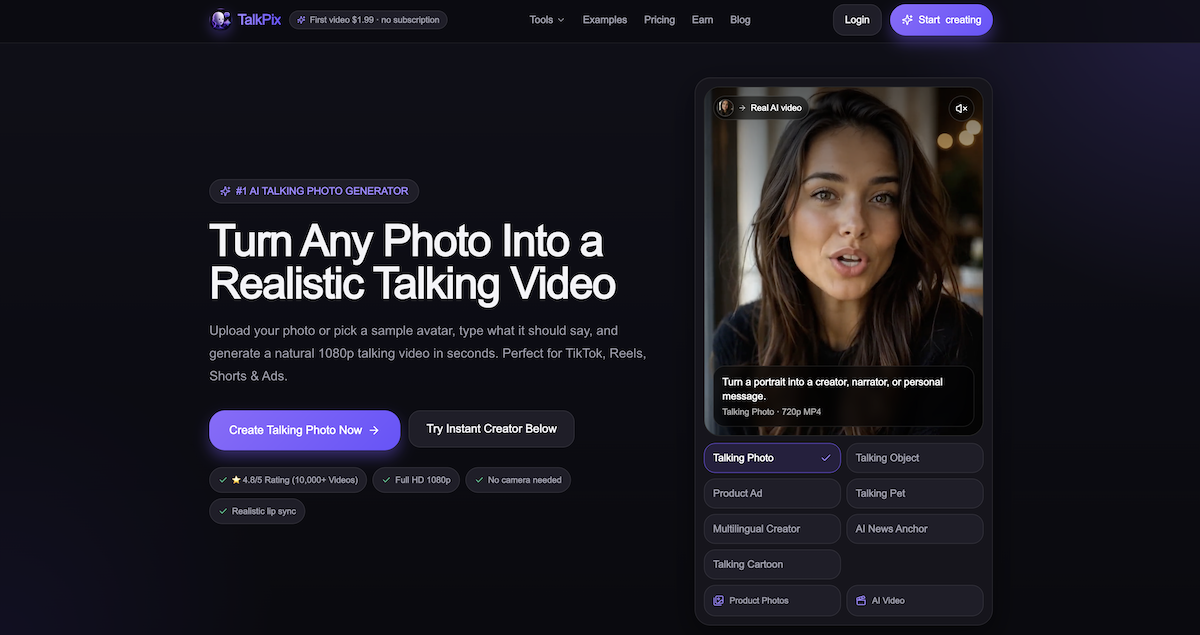
TalkPix is the right pick for solo creators and small shop owners who need talking-photo videos in short bursts and refuse to pay a monthly subscription for the privilege. Its pay-as-you-go credit model is genuinely differentiated, but the tool lacks the avatar depth and team workflow features that HeyGen offers at a comparable entry price. If you need a managed avatar library, enterprise-grade lip sync, or video translation, look elsewhere.
What is TalkPix?
TalkPix is an AI creative platform for creators and small ecommerce teams. Its talking-photo tool combines a portrait with a written script or uploaded audio to create a speaking-photo video.
For online stores, TalkPix offers product video ad generation from product images and creative briefs, alongside tools for product photography. Custom song generation is also available.
Example uses include introducing a fashion item, exploring skincare product visuals, and creating personalized video messages. TalkPix runs in a browser and uses paid credits, with one-time credit packs available. Generation costs vary by tool and settings. Users should review generated content for accurate product details before publishing.
How we scored TalkPix
Capability lands at 18 because TalkPix covers five distinct studios and supports multiple AI video models including Kling 3.0 and Seedance 2.5, but it has no avatar library, no video translation, and no team features that HeyGen offers at a comparable entry price. Ease of use scores 21 because the browser-only workflow, pre-render credit display, and auto-refund on failures are genuinely well-designed for non-technical users. Value scores 20 because the never-expiring pay-as-you-go credit model is a real structural advantage over subscription tools, and a 10-second 720p clip for roughly $1 is competitive, though the absence of any free tier or trial beyond the $1.99 intro clip is a real barrier. Delivery scores 13 because no substantial independent user review corpus surfaced to validate output quality claims, the site relies heavily on its own example renders rather than third-party evidence, and the wide credit-cost variance across AI video models (20 to 80 credits for the same 10-second clip) creates a delivery-expectation gap that the marketing does not clearly flag.
Pros and cons
What we liked
- Credits never expire and are refundable if unused, making it genuinely low-risk for occasional or burst-use workflows.
- Five distinct studios (Talking Photo, Talking Object, Product Photos, Product Ad Video, AI Video) share one credit wallet, so a single $25 pack covers multiple content types.
- Exact credit cost is shown before every render, and failed renders auto-refund credits, removing the billing surprises common in AI video tools.
Where it falls short
- No free tier and no trial renders: the $1.99 first-video offer is the only low-cost entry point, and it covers only one 20-second clip before you must buy a credit pack.
- AI Video text-to-video billing varies wildly by model: a 10-second 720p clip ranges from 20 credits (Seedance 1.5 Pro) to 80 credits (Kling 3.0), making cost-per-output hard to predict without checking the rate table each time.
- No team accounts, no collaboration features, and no avatar library: everything is built around a single user uploading their own photos, which limits usefulness for agencies managing multiple client identities.
Key features
TalkPix pricing
No free tier. First talking-photo video costs $1.99 (up to 20 seconds, 720p). One-time credit packs range from $5 (50 credits) to $200 (3,800 credits). Credits never expire. A 10-second 720p talking-photo clip costs roughly $1 (10 credits). Monthly membership is optional, not required. New users get 15% off their first standard pack within 24 hours of signup.
| Plan | Price | Who it is for |
|---|---|---|
| First Talking Photo (intro offer) | $1.99 | One HD Talking Photo video up to 20 seconds at 720p. One-time offer for eligible new customers only. |
| Mini | $5.00 | 50 credits. Makes approximately 50 seconds of 720p talking video, about 16 product photos, or about 5 product ad videos (10 seconds each). Credits never expire. Commercial use included. |
| Starter | $10.00 | 120 credits. Saves 17% versus Mini per credit. Credits never expire. Commercial use included. |
| Creator | $25.00 | 350 credits. Saves 29% versus Mini per credit. Listed as most popular tier. Credits never expire. Commercial use included. |
| Pro | $50.00 | 800 credits. Saves 38% versus Mini per credit. Credits never expire. Commercial use included. |
| Studio | $100.00 | 1,800 credits. Saves 44% versus Mini per credit. Credits never expire. Commercial use included. |
| Agency | $200.00 | 3,800 credits. Saves 47% versus Mini per credit. Largest available pack. Credits never expire. Commercial use included. Volume invoicing available for larger needs via email. |
Pricing reflects what we saw at time of review (2026-09). Always confirm current pricing on the tool's own site.
Who should use TalkPix?
A solo YouTuber or Instagram creator who publishes talking-head clips a few times a month will get real value here. The pay-per-second model means a $25 Creator pack (350 credits) covers roughly 35 ten-second talking-photo clips at 720p, with no monthly commitment eating into the budget during slow months. Small ecommerce sellers who want a product to "speak" on a landing page or in a social ad can do that from a single product photo without hiring a videographer.
Anyone running a high-volume avatar video operation should look at HeyGen instead. HeyGen's subscription plans include a managed avatar library, instant video translation across dozens of languages, and team collaboration features that TalkPix does not offer. If your workflow involves translating existing video content into other languages or producing dozens of avatar videos per week, HeyGen's per-seat subscription will cost less per output at scale than TalkPix credits.
Skip it if: Teams needing avatar libraries, video translation, or subscription-based monthly quotas
TalkPix alternatives
Tags
Frequently asked questions
Is there a free plan or free trial?+
No. TalkPix has no free tier. New customers can create one HD Talking Photo video up to 20 seconds for $1.99, which is the lowest-cost entry point. After that, one-time credit packs start at $5 for 50 credits.
Do credits expire if I don't use them?+
No. Purchased credits never expire and sit in your account until spent. The site also states that unused purchased credits are refundable.
How much does a 10-second talking-photo video actually cost?+
At 720p, a 10-second Talking Photo costs 10 credits, which works out to $1.00 on the Mini pack or about $0.83 on the Starter pack. At 1080p the cost doubles to 20 credits for the same clip.
Can I use my own voice instead of an AI voice?+
Yes. The audio-upload mode lets you supply your own voice recording or any audio clip, and TalkPix lip-syncs the portrait to it. The AI voice option covers 30 voices across 10 languages if you prefer a generated voice.
Are my uploaded photos used to train AI models?+
According to the site's stated policy, uploaded photos are not used for AI training and are deleted from servers after 30 days. Users can also remove their media from their account at any time.
What happens if a render fails?+
Failed renders auto-refund the credits that were charged, so you are not billed for a video that did not generate successfully.
More AI Video Tools
See all categoriesGet your tool listed on 300+ directories.
One listing here is a strong start. But the founders who get discovered everywhere are listed everywhere. Our sister site, Free AI Directories, submits your tool to 300+ AI directories for you, every single one by hand, by a real person.
It is a one-time payment of $49, no subscription, and you can follow along as the submissions land. Prefer the slow route? The same site keeps a free list of 450+ directories you can work through yourself.
Get my tool listed on 300+ directoriesOne-time payment, no subscription · 100% human submissions · Free list of 450+ directories included.